
Our MS Project training course is designed for anyone wishing to perfect their project planning and management skills.
In just 2 days, you’ll learn how to master to successfully plan and manage your projects, whatever your field of activity.
Secure your Project Management
Our MS Project training course is designed for anyone wishing to perfect their project planning and management skills.
In just 2 days, you’ll learn how to master to successfully plan and manage your projects, whatever your field of activity.
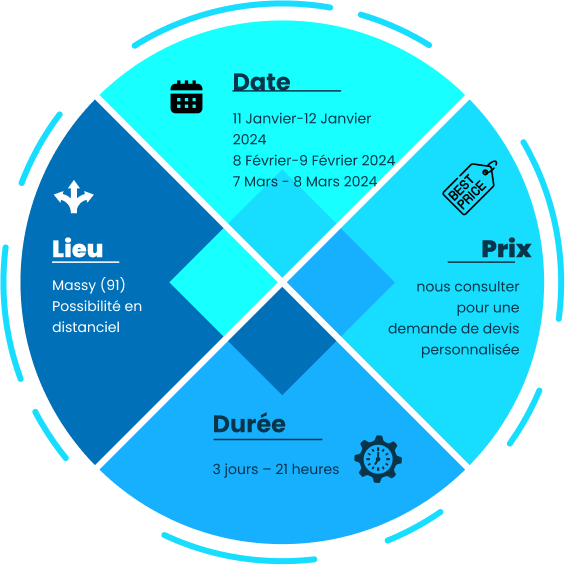

✅ Objectives of MS PROJECT Introduction and Context training are to learn the essential functions of the software package, develop project planning methods, master the techniques for monitoring progress and assist your teams on one of your projects.
At the end of the training session, each participant will be able to plan and manage a project with the MS Project tool.
This MS PROJECT Introduction and Context training programme is for project managers and everyone implicated in one of the company projects.
The fundamentals of project management the validation of the prerequisites will take the form of a preliminary interview (by phone or email)
This training will include discussions and simulations.
Each trainee will be attributed with a PC with the Microsoft Project software installed
Assessments of achievements through simulation exercises, self-assessment, and a certificate of training completion.
General Introduction
Structure of Projects under MS Project
Creating a Project
Structure of the Project
Calendars
Inserting Tasks
Definition of the Network
Codes
Data Formatting
Resource Management
Assigning Costs to Tasks
Planning Optimization
User Preferences
Assigning a Reference Schedule
Project Implementation and Monitoring
Layout and Printing
Importing and Exporting Data
Share your project with us
Leverage our expertise to ensure your projects stay on schedule and on budget. Let’s discuss your challenges and objectives today.